A café’s seasonal promotion sounds simple: one new drink, one price and a short campaign window. Turning that conversation into a team plan, presentation and social content usually means repeating the same information in several places.
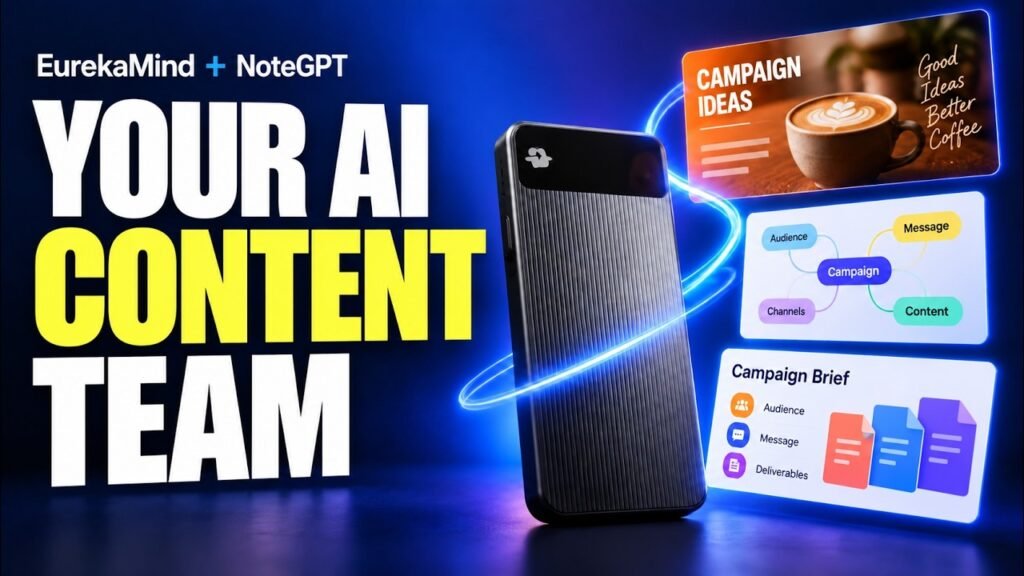
This EurekaMind and NoteGPT workflow follows a fictional café, Maple & Mug, from a recorded campaign discussion to notes, visual planning material and promotional assets. The offer is a Maple Cinnamon Latte for $5.50, with a campaign running October 16–31. Those details give the demonstration something useful to test: can the message stay consistent as its format changes?
The practical lesson is to build from one source, then review every transformation. The video shows the recording, a manual audio transfer and several content-creation steps, including a portrait image and a short vertical video.
Disclosure: The EurekaMind device and NoteGPT subscription used for the demonstration were provided free.
Watch the original AI Stack demonstration.
Record the conversation, then transfer the audio
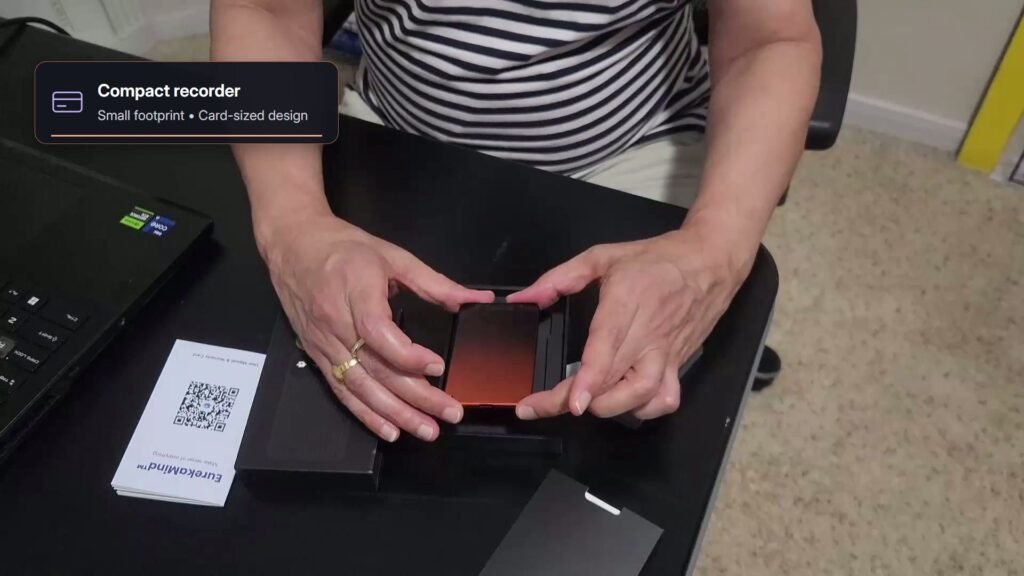
The example starts with EurekaMind 2.0, a compact hardware recorder. The creator plays the marketing role, while an AI voice assistant, Maya, plays the owner of Maple & Mug. This is a staged planning conversation, so the café, offer and campaign details are illustrative.
After recording, the creator uses Sync All in the EurekaMind app to transfer the device’s files. The next handoff is manual: export the meeting as an MP3, share it to Google Drive, download it on the laptop and upload it to NoteGPT. The export sequence begins at 03:33.
In NoteGPT, the demonstrated path is AI Notes → Audio → Upload Audio. The tutorial uses the default basic transcription option and automatic language detection. Once processed, the recording is available as a transcript with structured AI notes alongside it.
This separation matters when choosing the products. NoteGPT’s official EurekaMind page says the companies are independent partners, the subscriptions are billed separately and the platforms do not exchange user data. Buying the recorder does not include full NoteGPT access. The MP3 export and upload shown here are the connection between the two stages.
Check the campaign facts before repurposing them
The useful source material is concrete: a maple cinnamon latte, a $5.50 price, local adults as the audience and a relaxed autumn coffee-break message. The drink brief names espresso, milk, maple syrup and cinnamon, with a cream-coloured mug and a warm visual style.
At 04:38, the tutorial reviews the transcript and campaign notes before moving to the other formats. That is a valuable habit for real business work. Check product names, ingredients, prices and dates while the original recording is still available.
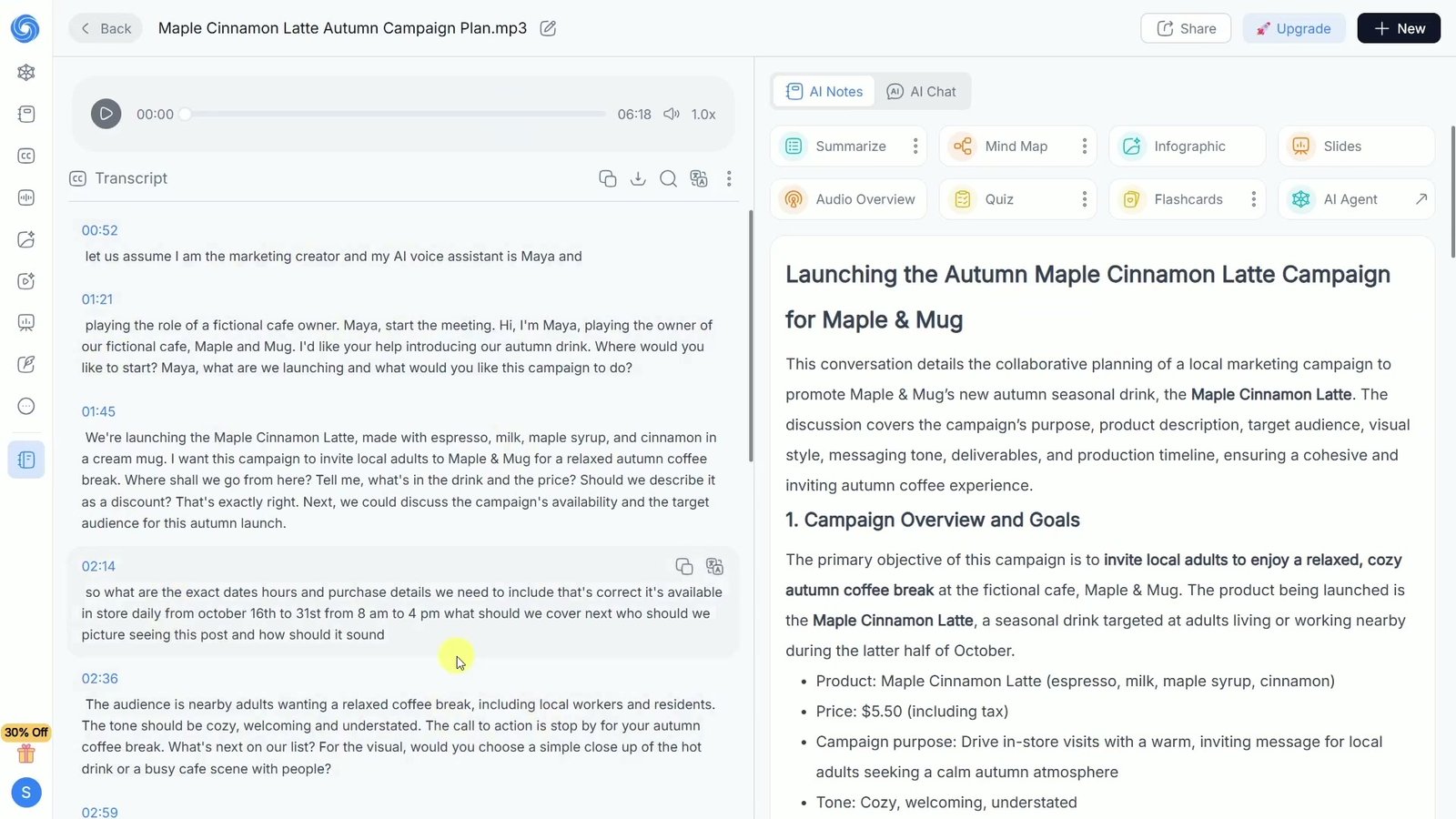
Different dates can have different jobs. The campaign overview later shows an internal production deadline of October 14 at 3 p.m., while the customer-facing campaign runs October 16–31, from 8 a.m. to 4 p.m. Confusing those would change the message even if the graphic looked polished.
Before creating the next asset, make a short reviewed brief containing the product, exact offer, audience, public dates and required deliverables. Keep internal deadlines and unresolved questions clearly identified. This gives each output the same facts to work from without assuming the first summary is error-free.
Use the three visual formats for different purposes
NoteGPT’s AI Notes workspace offers several ways to work with the recording. The tutorial demonstrates a summary, a mind map, an infographic and slides. Each format changes how the information is presented, so give it a specific purpose.
A mind map to see the relationships
The mind-map section begins around 05:22. The creator zooms into the generated map to inspect the ideas and their connections. For a campaign, this is a useful way to see how the offer, audience, visual direction and deliverables fit together.
Read the branches as carefully as the layout. A proposed idea should remain distinguishable from an agreed requirement, and an important dependency should not disappear when the conversation is compressed.
An infographic for a quick campaign overview
The tutorial selects a professional style and generates an infographic. The result brings product details, campaign logistics, the target audience, production deadline and deliverables into one visual brief. It is particularly useful for seeing whether the campaign has all its practical pieces.
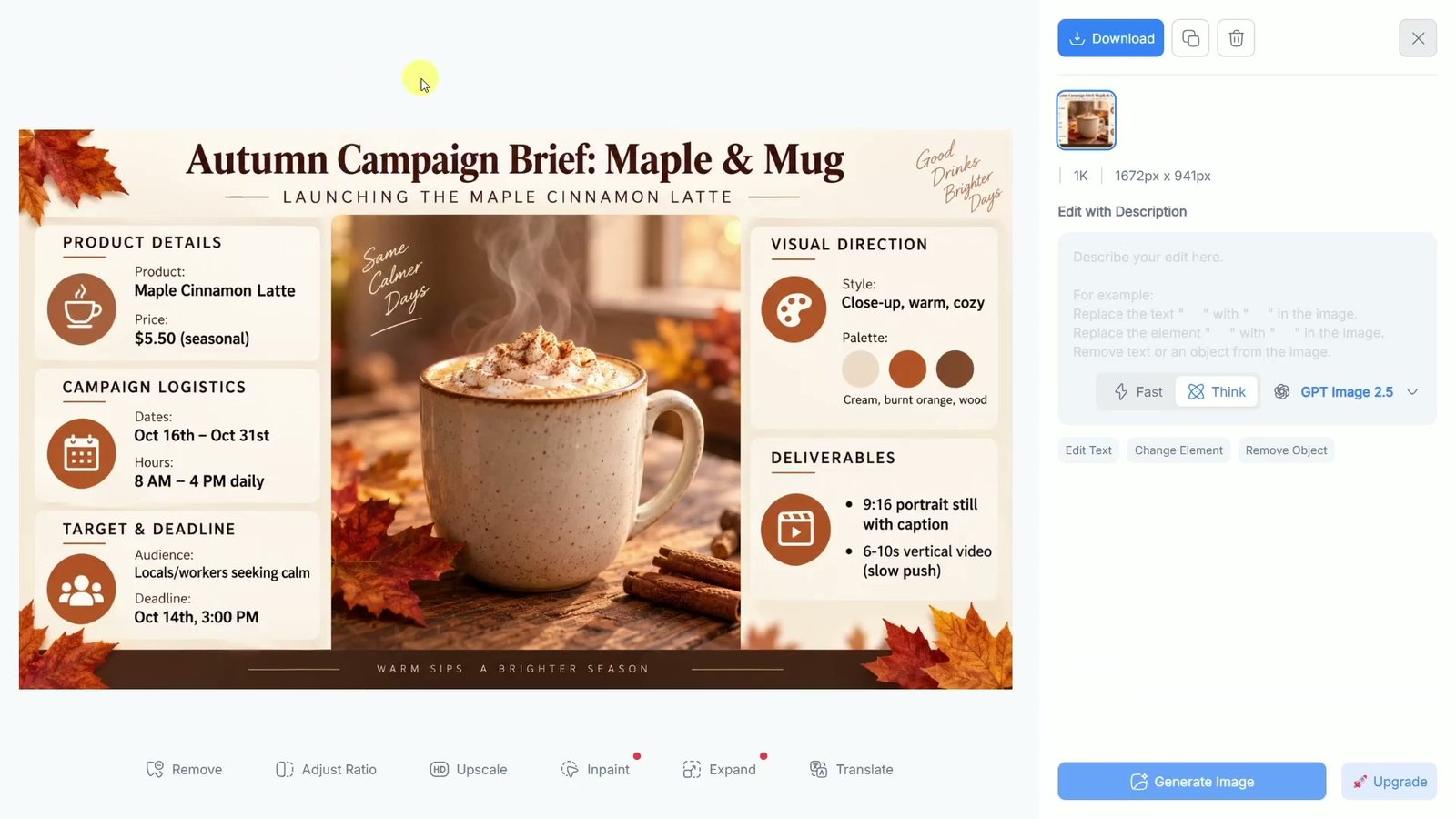
Inspect every label and number, then look at the imagery and any added slogans. A generated drink illustration needs to match what a real café actually serves. The video also discusses using additional instructions and regenerating when the result needs adjustment.
Slides for presenting the plan
At 06:19, the workflow moves to slides, with choices for page count, model and text length. The resulting presentation draft includes the campaign’s price and goal, followed by planning material and deliverables.
Use a deck to support a conversation with the team: what is launching, whom it is for, what needs producing and what needs approval. Review the full sequence for missing caveats and repeated points before sharing it.
Carry the brief into a promotional image and video
The marketing stage involves another deliberate handoff. The creator manually brings the meeting’s visual brief into NoteGPT’s image-generation tool. The prompt asks for a close-up of the hot drink in a cream mug, on a wooden surface beside a window, with no text in the image.
The demonstrated image setup uses Nano Banana Pro, a 9:16 portrait format, 2K and four outputs. The creator compares the alternatives and downloads the second image. Those are the settings shown in this example; the available models and credit costs can change.
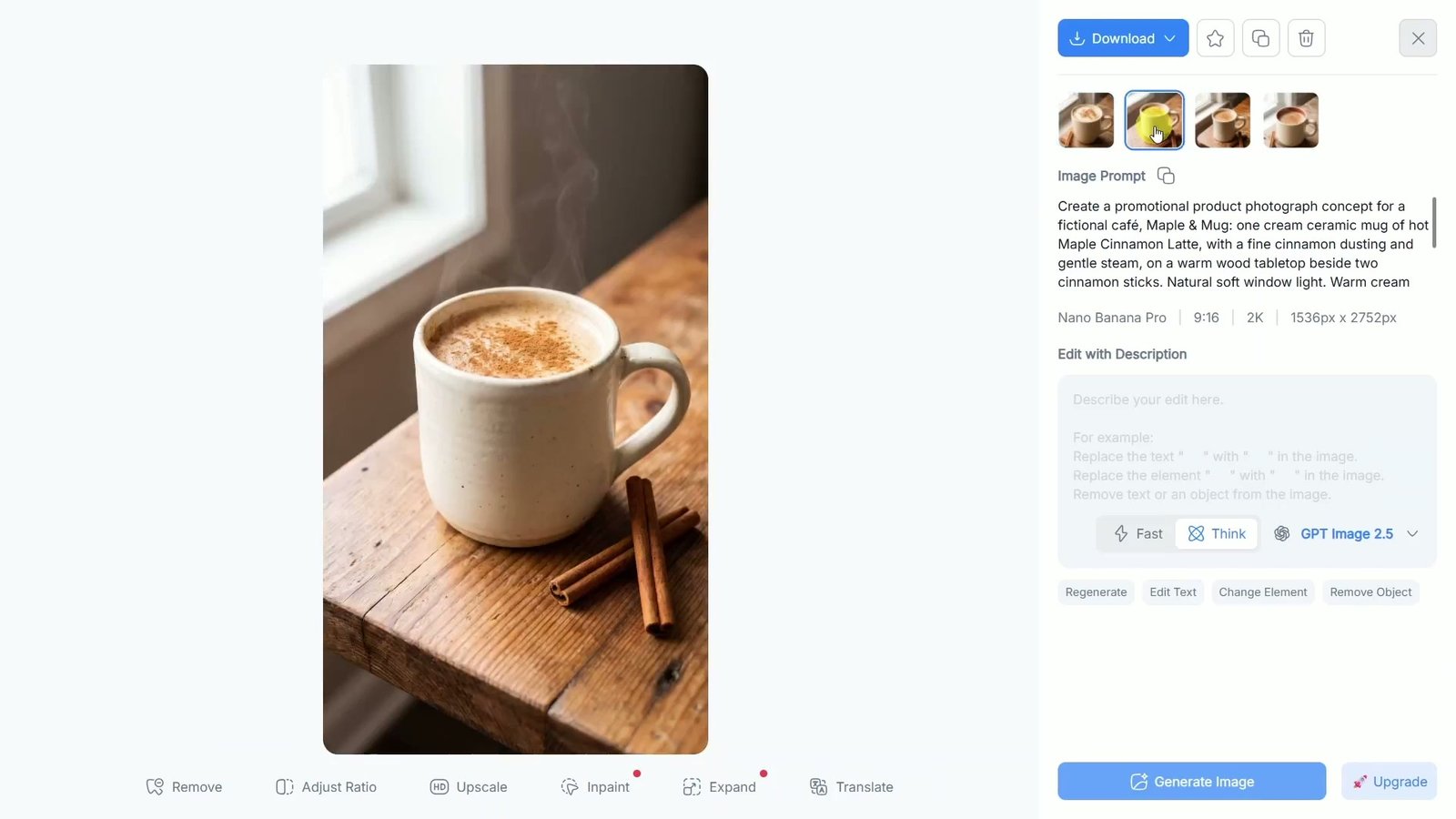
For video, the downloaded image becomes the reference. A separate prompt requests a slow camera push-in, subtle rising steam and a stationary drink. The recorded setup uses 9:16, ten seconds, no audio and 720p. The result is played near the end of the tutorial before download.
This is a useful division of work: the image establishes the appearance, and the video prompt specifies restrained motion. Review the entire clip for changes to the mug, liquid and surrounding objects. The generated still and clip are creative assets; a publishable post still needs checked business copy, any required branding and the correct customer action.
Account for recording conditions, credits and permissions
A staged example cannot establish how reliably a recorder will work in your meeting room. EurekaMind’s official FAQ says transcription and speaker attribution vary with conditions and configuration. It also distinguishes offline recording and local storage from connected AI processing. Try a representative recording before relying on the setup for important work, and obtain the participants’ permission before recording real conversations.
Check NoteGPT’s current plans and quota and credit policy. Basic quotas and premium credits cover different work, and video estimates depend on choices such as model, duration and resolution. Allow for rejected generations and revisions. An unlimited basic allowance does not make all premium generation unlimited.
For commercial work, check the applicable usage terms and your rights to any uploaded material. Client conversations deserve a privacy review too: NoteGPT’s privacy policy describes sending content to AI or processing providers for requested features. Share only information you have permission to process.
Start with one campaign and a clear finish line
The strongest part of this example is the connection between the brief and the outputs. The café’s product, audience and visual direction give every stage a purpose. The creator still transfers files, carries prompts between tools, compares alternatives and reviews the results.
For your own test, choose one low-risk conversation and one useful outcome. Keep the original recording, reviewed brief and accepted assets together. Judge the workflow by the complete job, including corrections and review, rather than by how quickly the first image appears.
Explore NoteGPT or view EurekaMind. These are affiliate links; we may earn a commission if you purchase through them.
Use the EurekaMind and NoteGPT video tutorial to follow the recorded demonstration, or explore more AI and tech video tutorials.