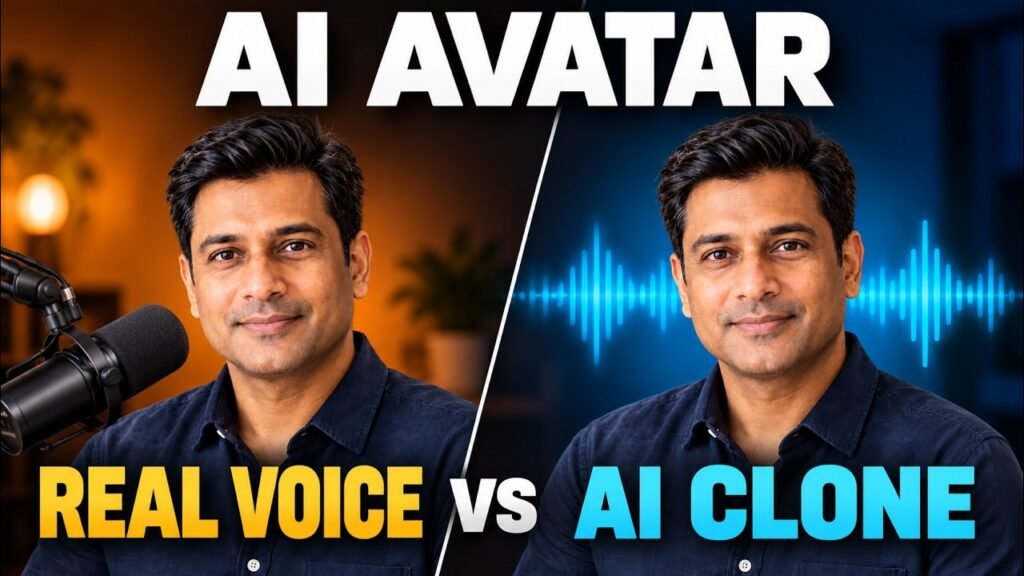
Your AI avatar has a face and a script. The next decision is what the audience should hear: your recorded performance, or new speech generated from a clone of your voice?
This PhotoGenerator AI avatar comparison tests both routes with one fictional product, one digital spokesperson and the same advertising script. The finished examples play one after the other, with the voice labels revealed afterward. Watch them before reading the reveal below and decide which delivery you prefer.
The example is a short promotion for NOVA, a fictional travel-mug concept. It is useful for business owners considering product explainers, training videos or recurring updates, because it shows the production choices behind the result.
Disclosure: PhotoGenerator access was provided for this demonstration.
Jump to the finished comparison at 04:55, or watch the full workflow above.
Give the comparison a clear business brief
The demonstration starts with a manageable creative brief: a travel mug for busy workdays. NOVA has a matte charcoal finish, a black sip lid, a copper band and a small white star. Keeping those details consistent gives the visuals something concrete to represent.
At 00:57, the product concept is created in Image Generator using GPT Image 2. The workflow then moves to Character → Create Character → Describe Your Character, where a photorealistic South Asian male spokesperson is generated from a written description and four variations are considered.
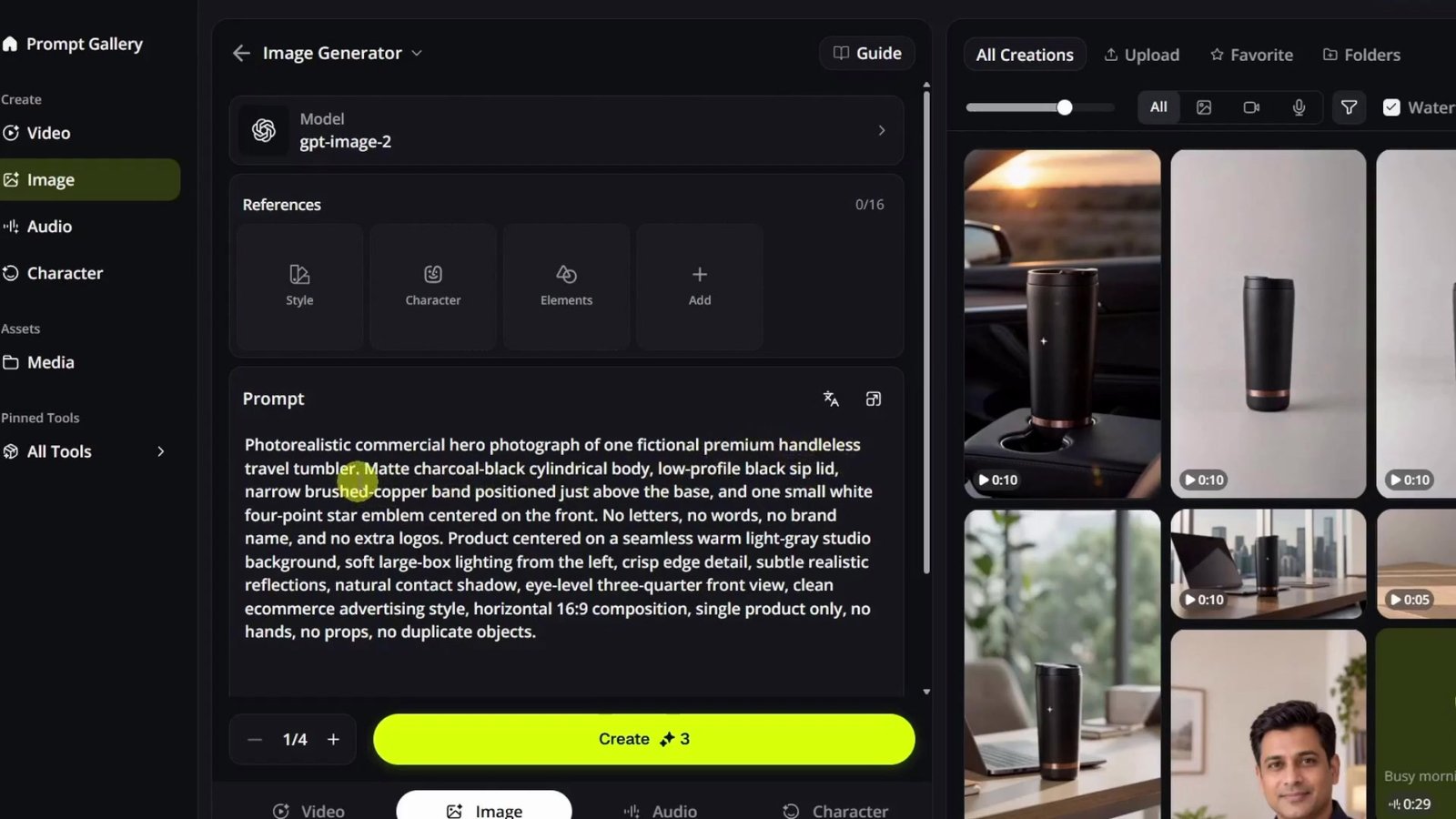
The presenter is a generated character, not a recreation of the creator’s face. The voice experiment uses the creator’s recorded voice and a clone of that voice. Keeping those two elements separate helps explain what is actually being tested.
The script introduces the concept, describes its appearance and everyday use, then closes with the NOVA name. For your own test, write one approved script before generating either version. Use accurate product details and a clear customer action.
Build two audio versions from the same words
Create and audition the cloned voice
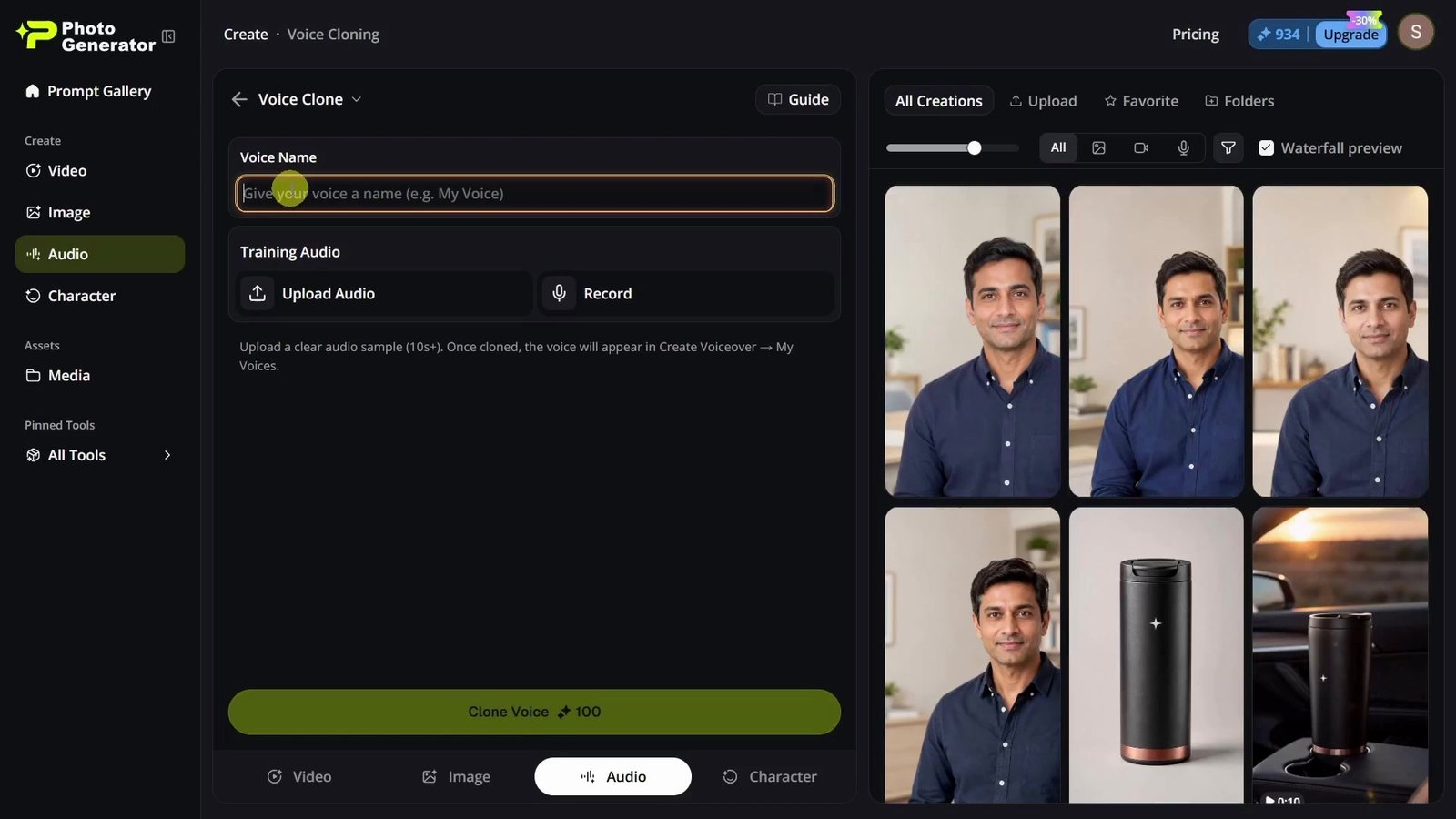
The cloned-voice route begins at 02:10 in Audio → Voice Clone. The creator gives the voice a name and shows the options to upload a recording or record a sample.
The tutorial recommends roughly a minute of clean speech for the sample. That is a practical suggestion, not the minimum shown in the interface: the recorded screen asks for ten seconds or more. Focus on a quiet recording with clear speech and no background music, and follow the requirements displayed in your current version.
At 02:45, the workflow moves to Create Voiceover. The same ad script is pasted in, the cloned voice is selected under My Voices, and the initial generation uses the default speed and volume. The audio is auditioned and downloaded.
This audition is worth doing before video generation. Listen for the product name, awkward pauses, missing words and the final line. A voice that resembles the speaker can still need a better reading of a particular sentence.
Record the human performance
At 03:32, the creator records the same words with a microphone, trying to keep the timing comparable. This route preserves the delivery chosen during that recording: the emphasis, pronunciation, emotion and pauses.
For a useful comparison, keep the copy unchanged. Recording a stronger script for one version would make it harder to tell whether your preference comes from the voice or the message. Check the recording for room noise and uneven levels before using it.
Animate the same presenter with each audio file
The demonstrated video tool is Video → Lip Sync. At 04:02, the creator selects the avatar image, supplies the cloned audio and generates a video using the model shown as kling-avatar-v2-pro.
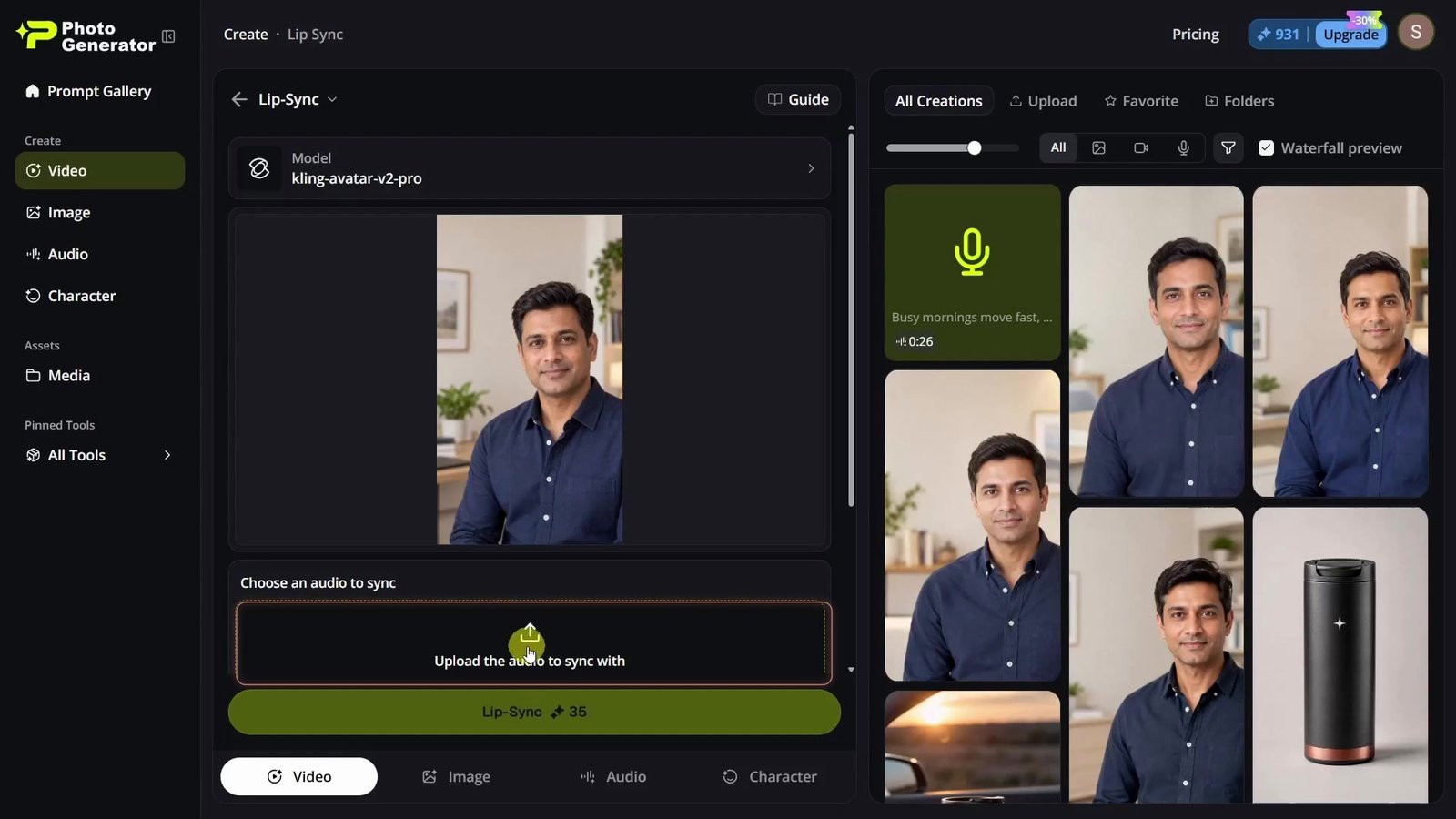
For the second version, the workflow changes the audio input to the real recording while keeping the avatar setup the same. That substitution is the central test. Both outputs still use an AI-generated presenter; the difference is how the spoken performance was produced.
Feature names, models and interfaces can change. Follow the video to understand the tested sequence, then check the controls and credit estimate available in your account before generating your own versions.
Listen first, then reveal the two versions
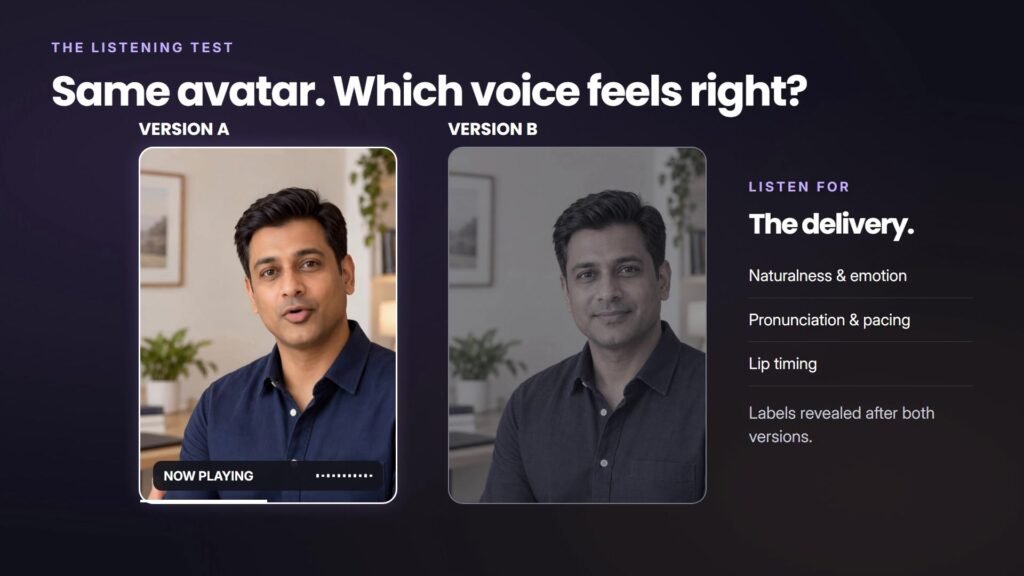
The complete comparison begins around 04:55. Version A plays first, followed by version B at about 05:25. They are sequential examples presented together for comparison, rather than two videos speaking simultaneously.
Pay attention to the whole message: does the opening sound engaging, is the product name clear, and does the closing line land naturally? Then watch the mouth movement and facial motion. A convincing voice and convincing lip-sync are related checks, but each can succeed or fail independently.
The reveal
At 05:52, the tutorial identifies A as the AI-cloned voice and B as the real recording. The finished reads are approximately 29 seconds and 24 seconds respectively. Their different pacing is part of the comparison, so these are not equal-duration controlled samples. The playback activity bars indicate audio activity, not quality scores.
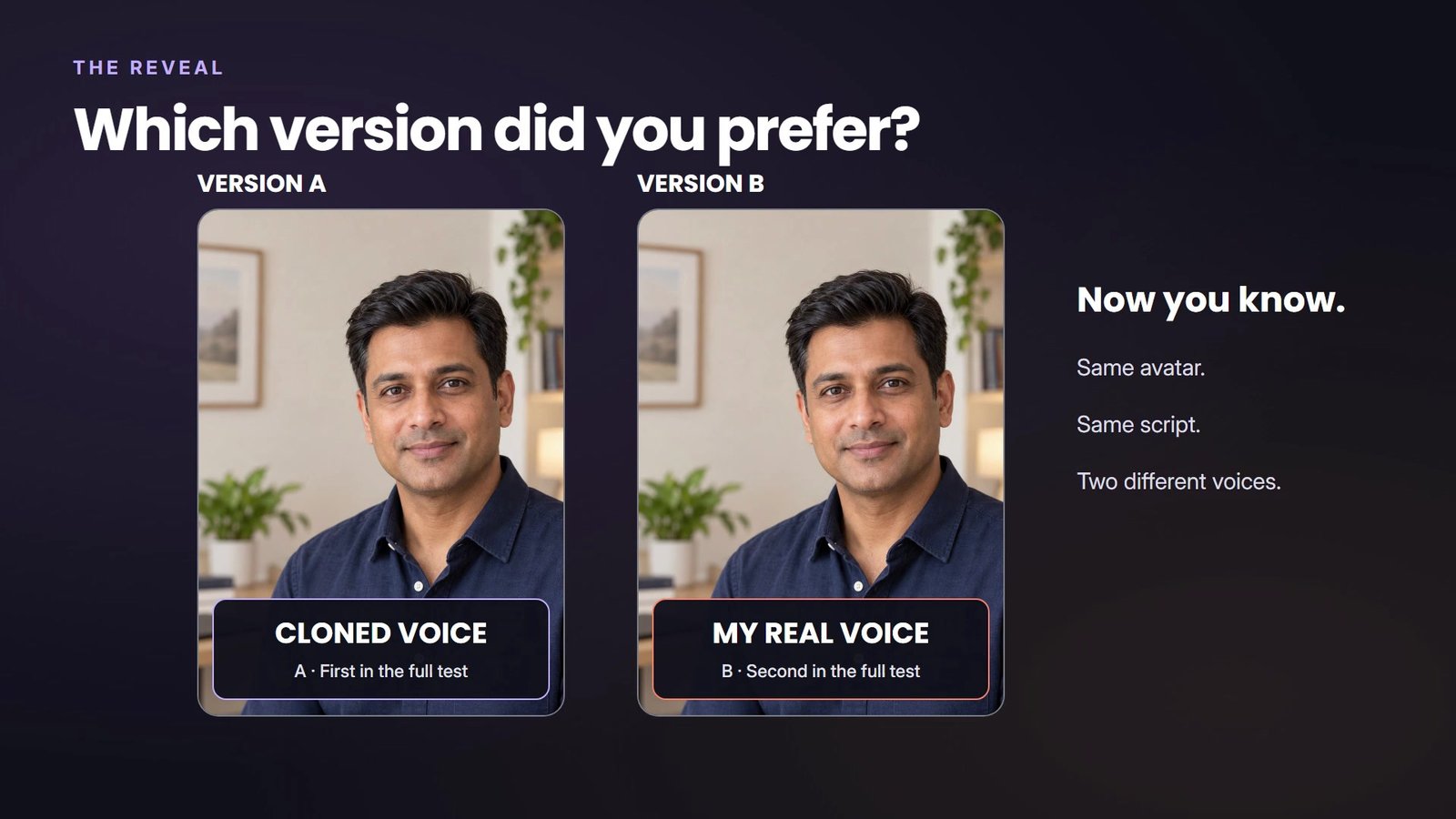
This demonstration does not establish a universal winner, voice-similarity score or improvement in sales. It gives you two real outputs to evaluate for a specific use case.
Choose the workflow that fits the message
The creator’s conclusion is practical. A cloned voice is appealing for recurring training content, product updates and situations where scripts need frequent changes. Revising text can be convenient, although the new audio and video still need review. Localization is mentioned as a potential use; the video does not test another language.
For an important customer message, personal-brand content or a high-value final advertisement, the creator prefers recording the voice when possible. It provides direct control over how a particular line is performed.
That is a useful starting point for your own decision. Consider how often the script changes, how much the delivery matters and who approves the result. A repeatable production process should include time for listening, regeneration and corrections, rather than counting only the first output.
Review the final ad before publishing
- Listen without watching. Check pronunciation, pauses, sentence endings and whether the message sounds appropriate for your audience.
- Watch with sound. Inspect lip movement, facial expression and the timing of gestures throughout the clip.
- Check the visual identity. Review the face, hands, product shape and branding for unwanted changes.
- Verify every claim. NOVA is a fictional concept. An attractive generated mug does not prove that a real product is leakproof, durable or suitable for a particular use.
Clone only your own voice or a voice you have explicit permission to use. The same applies to a person’s likeness and any uploaded media. PhotoGenerator’s voice-cloning guidance stresses authorized source material; review the current privacy policy and applicable terms before uploading client recordings. Present synthetic content honestly and follow the publishing platform’s disclosure requirements.
Check current plans and credit allowances before committing to a workflow. Budget for both audio and video work, including rejected takes and revisions. This demonstration is not a measured cost or time-saving benchmark.
Explore PhotoGenerator. This is an affiliate link; we may earn a commission if you purchase through it.
Use the PhotoGenerator avatar video tutorial to follow the full demonstration, or explore more AI and tech video tutorials.