
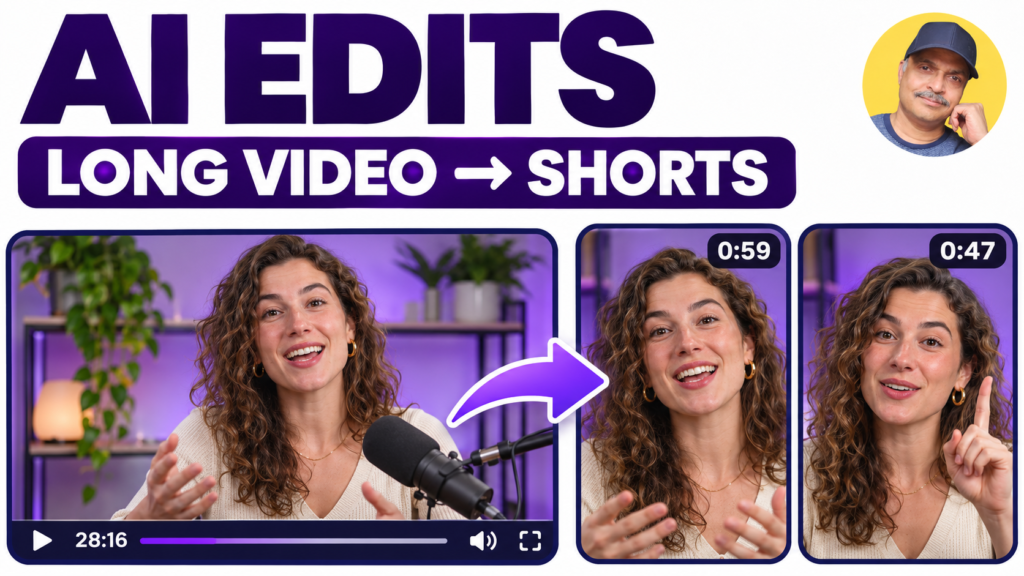
Klap turns long videos into short clips using AI. Upload a video or provide a supported video link, review the suggested clips, then adjust captions and framing before exporting or scheduling.
Practical use: Repurpose a business tutorial, interview or webinar into short videos that answer one question or explain one useful idea. Choose clips that make sense without the rest of the recording.
Key features: AI clip selection, automatic reframing, editable captions and a browser-based editor. Klap also supports social scheduling and integrations for managing video projects.
AI Stack walkthrough: Our step-by-step tutorial follows a real long-video-to-shorts workflow, including reviewing generated clips, choosing caption styling, downloading videos and scheduling posts. It also demonstrates working with Klap through ChatGPT.
Watch the video tutorial · Read the companion article
Before publishing: Check the clip’s opening and ending, caption accuracy, speaker framing and any claims carried over from the original video. Review connected accounts and scheduled times. AI-selected moments still need editorial judgment; a clip score does not guarantee audience results.